
Key facts
- Auto SR now works in handheld mode on the ROG Xbox Ally X and X20 without an AC adapter connected, using the devices' built-in displays and battery power.
- A new Performance Mode for Auto SR pushes the maximum frame rate to 120 FPS, higher than the earlier roughly 60 to 75 FPS ceiling.
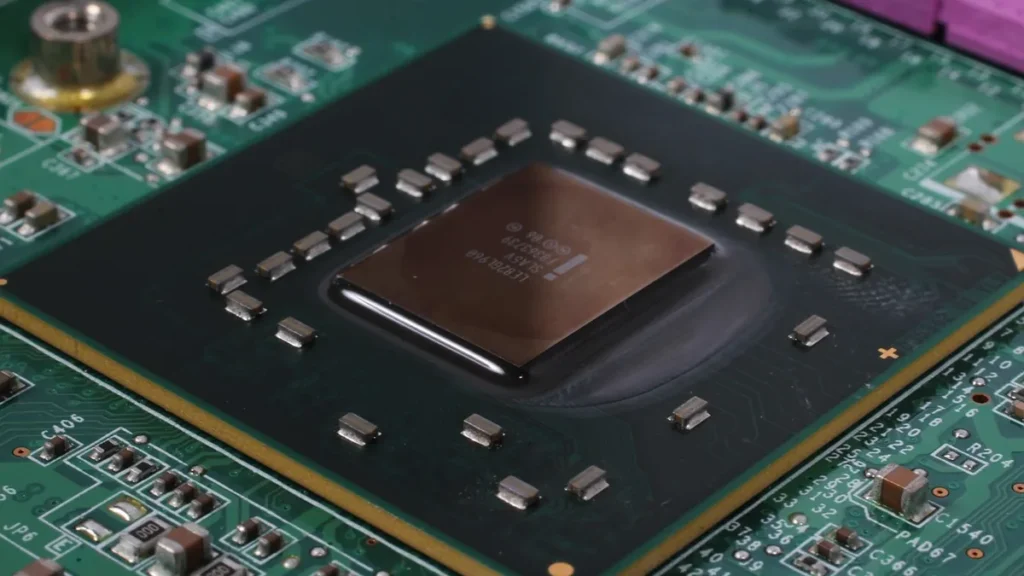
- Auto SR uses the neural processing unit (NPU) in the handheld's processor for AI upscaling, running in parallel with the GPU and leaving the GPU free to render the game.
- Auto SR now works with Microsoft's Auto HDR, which adds brighter highlights and richer colors to games lacking native HDR when used with an HDR display, TV, or monitor.
Microsoft ended the preview for Automatic Super Resolution (Auto SR) on Nov. 10, 2026, releasing it for the ROG Xbox Ally X and ROG Xbox Ally X20 handhelds.
The ROG Xbox Ally X and ROG Xbox Ally X20 can now run Auto SR in handheld mode without an AC adapter, drawing on battery power through the built-in displays. When the preview opened April 30, 2026, Auto SR only worked on docked external TVs or monitors. Microsoft said player demand from Xbox Insider testers prompted support for the built-in screens.
Games can now run at their native 1080p resolution on the internal screens without first lowering resolution to activate Auto SR. Microsoft said skipping it was a common reason the feature stayed off during the preview. A lot of handheld games use 1080p by default since it matches the built-in display.
Performance Mode raises the frame-rate ceiling to 120 frames per second, up from the earlier roughly 60 to 75 frames per second. Microsoft product manager Stefan Bojanic announced the mode. Microsoft described the rollout as “rolling out with Windows updates,” and the features have not reached every device.
Auto SR taps the neural processing unit (NPU) inside the handheld’s processor for AI upscaling while running beside the GPU, leaving the GPU free to render the game. The original ROG Xbox Ally does not have the NPU, so it cannot use the feature. Asus had used the NPU mainly for highlight reels, making gaming upscaling a new application for the chip.
Microsoft’s Auto HDR, which adds brighter highlights and richer colors when a game lacks native HDR on an HDR display or TV, now works with Auto SR. In the past, players had to pick either HDR enhancement or Auto SR. On a higher-resolution TV, the feature can scale output up to 1440p.
Microsoft warns that performance at 1080p on the internal handheld screen may not match other setups, although visual quality should still improve, particularly in older games. Stefan Bojanic put it as “performance may not be as optimal as other configurations.”
Games need DirectX 10 or a newer version to qualify; DirectX 9, Vulkan, OpenGL, x86 titles, and native HDR content do not work with the feature. Because it is built into Windows, Auto SR works without requiring developers to add support to each game, so older titles and games without native FSR can use it. The system rebuilds image detail from finished frames instead of engine data, while Nvidia DLSS, AMD FSR, and Intel XeSS are integrated into individual games. Ghacks advises players to try FSR first in supported games and reserve Auto SR for titles lacking a good built-in upscaler.
Setup requires current Windows 11 updates. Players also need an updated Game Bar and must get the Auto Super Resolution Package from the Microsoft Store. Players open Game Bar, go to Widgets > Display > Graphics, and can toggle Auto SR per game while watching the frame rate respond immediately.

Microsoft demonstrated Rocket League on the ROG Xbox Ally X at 720p with high settings, averaging 70 frames per second in Quality Mode and 115 frames per second in Performance Mode. Wccftech figured the improvement at roughly 64%, while Tech Times points out that Microsoft provided the figures and they are not independent testing.
Spider’s Web said Borderlands 3 reached roughly 24 frames per second natively at 1440p, while Auto SR upscaling from 720p brought it to around 40 frames per second. In a preview-era Cyberpunk 2077 test, ETA Prime measured 63 frames per second with Auto SR upscaling from 720p against 56 frames per second native at 1080p, though Notebookcheck said native 720p without Auto SR worked better.
Latency increases by one frame because of the feature’s design. Digital Foundry’s test at 60 frames per second found about one frame of added delay, since one frame then lasts roughly 16.7 milliseconds. Microsoft states that running the model on the NPU beside the GPU adds essentially no frame time overhead, although Digital Foundry’s Snapdragon X Elite laptop test found interface artifacts and uneven gains between titles.
Microsoft’s announcement contains no battery-life figures, and it has not been measured whether the NPU power draw is canceled out by the GPU rendering fewer pixels on battery power. Notebookcheck reported that in a preview-era test, the NPU shared the power budget with the CPU and integrated GPU, dropping clock speeds under a 35-watt limit.
AMD brought FSR 4.1 to ROG Ally handhelds that use Z2 Extreme processors, covering the ROG Xbox Ally X and ROG Xbox Ally X20 lines, last month. Auto SR does not replace AMD’s FSR, and titles with strong FSR implementations generally look closer to what the developer intended since FSR is built into the game itself. Nvidia’s DLSS is not natively supported on ROG Ally devices, though unofficial workarounds exist.
Auto SR also reaches select Windows Copilot+ PCs with AMD Ryzen processors and integrated RDNA 3.5 graphics. Microsoft has not named the Copilot+ laptops receiving Auto SR or given a date for Performance Mode reaching every Xbox Ally device. Older Ally models run on Z1 chips, which AMD continues to support.
Microsoft tells players experiencing Auto SR problems to send feedback through the Feedback Hub’s Game Performance category, using Auto SR in the title. According to Microsoft’s preview guide, Auto SR and FSR both deliver gains when games run below 60 frames per second.




Join the discussion