
Key facts
- Contributor @indiesaudi supplied ARM64 support for NonSteamLaunchers, including an installer for SteamOS arm64 and ArmadaOS through pull request #982.
- Pull request #981 by @indiesaudi added arm64 and ArmadaOS fixes and kept NonSteamLaunchers shortcuts current, marking the contributor's first contribution.
- GitHub release notes say much more settings and options will be available very soon and describe the current release as just the first steps.
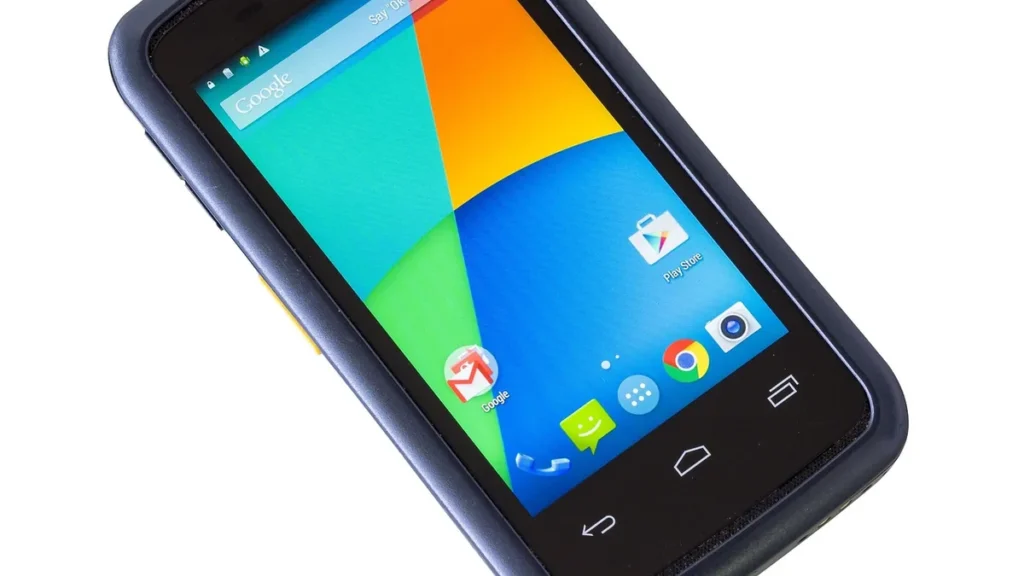
Contributor @indiesaudi added ARM64 support to NonSteamLaunchers through pull request #982 on Oct. 29, 2026, letting the Steam Deck utility run on ARM devices including Android handhelds running SteamOS or ArmadaOS.
Steam Deck HQ reported on Oct. 29, 2026 that the NonSteamLaunchers script gained ARM64 support the previous day. The support lets the utility run on SteamOS and ArmadaOS on ARM devices, including Android handhelds using those operating systems and possibly the Steam Frame. Steam Deck HQ said the ARM64 update opens a whole new set of devices for NonSteamLaunchers.
Steam Deck HQ described Pokebonk on Oct. 29, 2026 as a Pokémon version of Megabonk using all first-generation Pokémon, like Vampire Survivors but in a 3D view with ground interactables. Steam Deck HQ said, “On top of that, we now have a new web game we can get set up through a shortcut from our browser: Pokebonk.”
NonSteamLaunchers is a utility for Steam Deck and other handheld PCs that adds third-party launchers and web apps to Steam, automatically setting them up and fetching the latest GE-Proton layer. Steam Deck HQ called it one of the best ways to add third-party launchers and web apps to a Steam Deck, and said it takes little effort to use.
NerdZap explained on Sept. 26, 2026 that NonSteamLaunchers installs launchers including the Epic Games Store, GOG Galaxy, the EA app, Ubisoft Connect, Battle.net, and Amazon Games through Proton, then adds games to the Steam library with artwork. The utility supports more than a dozen launchers, including itch.io, Legacy Games, and the Rockstar Games Launcher, plus shortcuts for Xbox Game Pass and GeForce Now. NerdZap ranked it second in its best Decky Loader plugins round-up.
The Decky plugin version puts NonSteamLaunchers in the quick access menu but is absent from the Decky plugin store, so users install it from Desktop Mode using NSLPlugin.desktop from GitHub. That file comes from the NonSteamLaunchersDecky releases page, a repository separate from the main NonSteamLaunchers project.
The NonSteamLaunchersDecky releases page had not changed since November 2025 because NSLPlugin.desktop always fetches the latest plugin when it runs, so the same installer file updates the utility. NerdZap said the old release date should not put users off.
Running the installer requires users to install Decky Loader first, and the installer stops if it is missing. It asks for an admin sudo password in a pop-up and does not offer to set a temporary password. On a first install, the installer injects NonSteamLaunchers into Game Mode after it detects Decky Loader but finds no plugin.
The first launcher installation downloads GE-Proton and UMU, compatibility tools NonSteamLaunchers uses for Windows launchers. Auto Scan Games adds games to the Steam library automatically, while manual scans use Ludusavi to back up supported game saves to /home/deck/NSLGameSaves.
Installed launchers appear in the Steam library under the Non-Steam tab, and NonSteamLaunchers creates collections for them. Every launcher shares a single Proton prefix called NonSteamLaunchers by default, though users can choose separate launcher folders before installing. The desktop version calls that option Separate App IDs, and most users can leave the shared prefix turned on.
A red card reading Update found appears at the top of the plugin when a new version is available, showing installed and latest versions. Pressing Update updates the plugin and restarts Steam. If the update fails, users can return to Desktop Mode and run NSLPlugin.desktop again. The Start Fresh option removes all launchers and games installed through the utility and reminds the user to delete leftover shortcuts from the library.
GitHub release notes show pull request #981 by @indiesaudi added ARM64 and ArmadaOS fixes and kept shortcuts current, marking the contributor’s first contribution. The notes describe v4.2.94 as the full changelog from v4.2.93 to v4.2.94 and list the merge alongside pull request #982. The NonSteamLaunchers project said, “ARM64 Support: Added support for SteamOS ARM64 and ArmadaOS.”
On Windows, only game scanning, playtime, metadata, and game theme music work, while other features are not yet functional. GitHub says many more settings and options will be available soon and describes the current release as just the first steps.
Join the discussion